Offline friendly planning
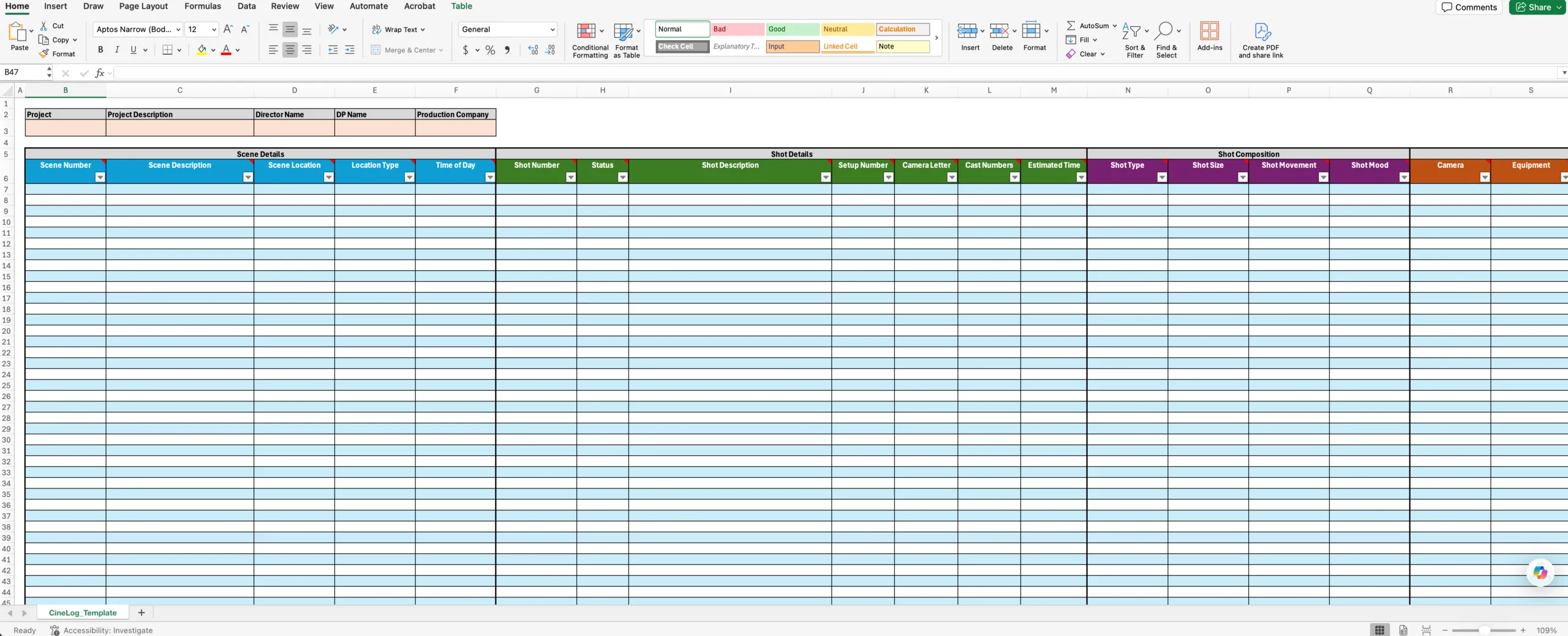
Build your shot list on a plane, on location, or anywhere you do not want to fight spotty internet.

A production-ready shot list template for Excel and Google Sheets, built for real shoots. Fill it out anywhere, then import to create projects, scenes, and shots in CineFlo.
Start in Excel when you are offline or collaborating. When you are ready, import your file into CineFlo and keep the whole production organized.
What is in the file
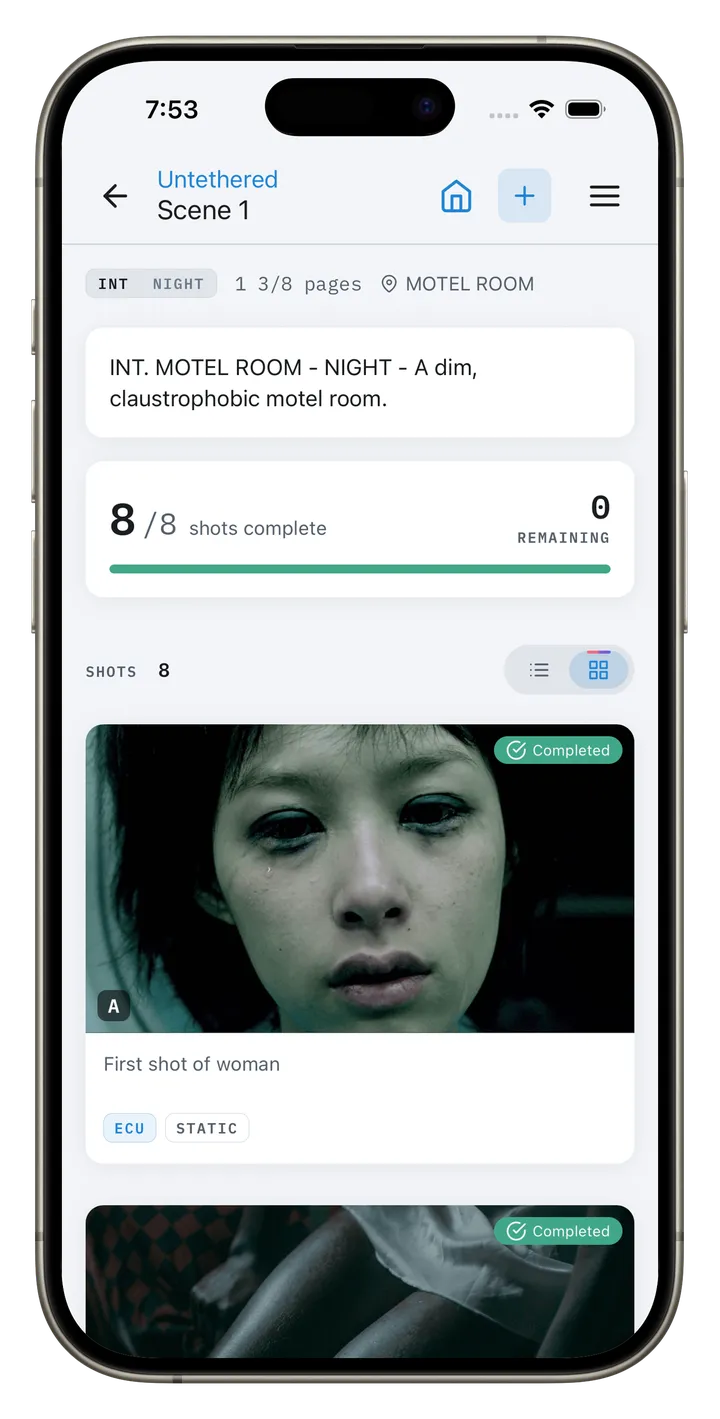
Most free shot list templates give you about fourteen columns: scene, shot, size, angle, movement, lens, and a notes field. That is enough to plan a short. It is not enough to hand to a camera department, and it will not help you three weeks later when you are looking at a take and cannot remember what was on the front of the lens.
This one carries the fields a real camera report holds alongside the planning fields, because on a working set those two documents are the same document. You will not fill in all 41 on any given show, and you are not meant to. The point is that they are already there and already named, so nobody invents a column halfway through a shoot that three people then spell three different ways.
| Group | Columns | Filled in by |
|---|---|---|
| Project header | Project, Description, Director, DP | Producer, once |
| Scene | Scene Description, Location, Location Type, Time of Day, Status | Director / 1st AD, in prep |
| Setup | Setup Number, Camera Letter, Cast Numbers, Estimated Time | 1st AD, in prep |
| Shot design | Shot Type, Shot Size, Movement, Mood | Director and DP, in prep |
| Camera | Lens, Focal Length, Aperture, Frame Rate, ISO, White Balance, Resolution, Aspect Ratio, Filters | DP and 1st AC, on the day |
| Geometry | Lens Height, Subject Distance | 1st AC, on the day |
| Post | VFX Notes, Take Count, Circle Take, Roll / Card Number | Script supervisor and DIT |
| Notes | Lighting, Blocking, Directors, Additional | Whoever needs to say something |
| Sound | Recording Format, Sample Rate, Channels, Mic Type, Audio Notes | Production sound |
The columns you leave blank during prep are the ones that make the file useful in post.
Why it imports cleanly
A second sheet in the workbook defines the allowed values for nine fields: Location Type (INT, EXT, INT/EXT), Time of Day, Shot Size (CU, MCU, ECU, MS, MLS, FS, LS, ELS, W and the over-the-shoulder variants), Shot Type, Movement, Equipment, Mood, Status, and Camera body.
Free-text fields are where shot lists go to die. One person writes CU, another writes Close Up, a third writes close-up, and now you cannot filter, sort, count or import. Validated dropdowns are the difference between a spreadsheet you can query and a spreadsheet you can only read.
It is also what makes the file importable. Software can map MCU to a known shot size. It cannot do much with medium close ish.
Build your shot list on a plane, on location, or anywhere you do not want to fight spotty internet.
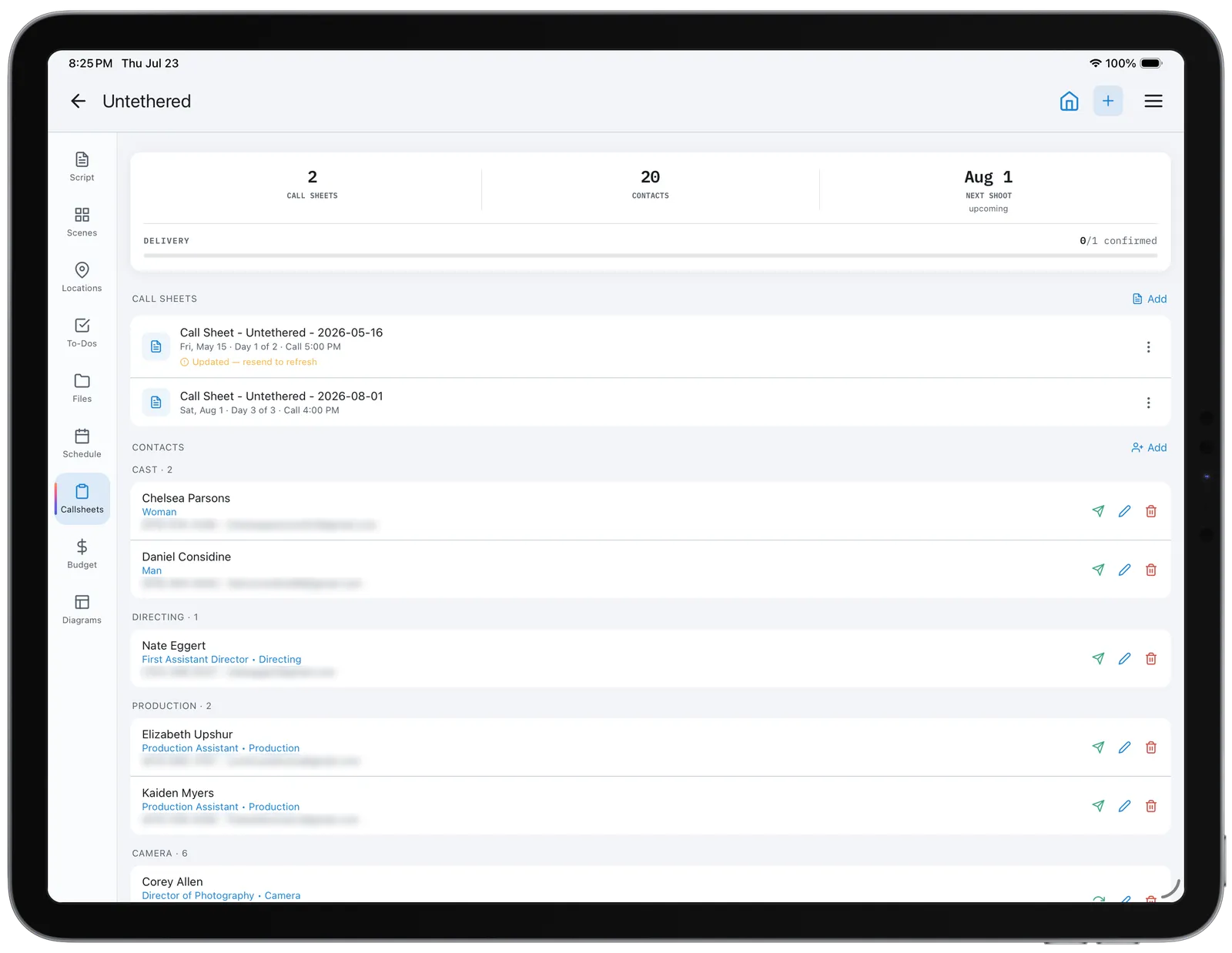
The columns match real production metadata so CineFlo can turn your spreadsheet into structured scenes and shots.
Standardized fields help directors, DPs, ACs, and producers stay aligned on what you are shooting and how you are shooting it.
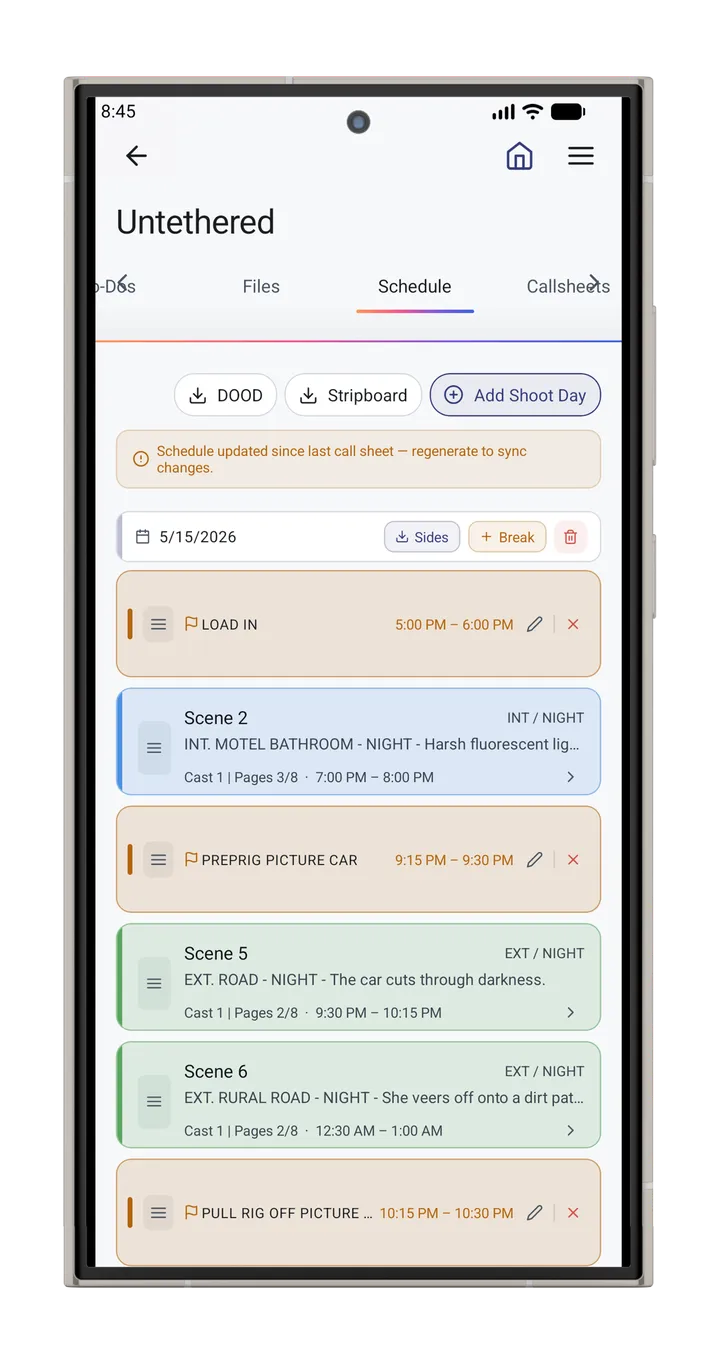
Track lenses, camera settings, movement, time estimates, and notes in one place so your day stays on schedule.
Documentary, commercial, music video and animation each need one structural change, not a different template.
The header row is what the CineFlo importer maps against, which is why the columns are named the way they are.
See the app →Honest comparison
| Spreadsheet | Shot list app | |
|---|---|---|
| Cost | Free | Free tier or subscription |
| Works offline | Yes | Depends on the app |
| Two people editing | Sheets only, with conflicts | Built for it |
| Reference frames per shot | Images float over cells | Native |
| Reordering a scene | Cut, paste, renumber by hand | Drag |
| Status visible to crew | Only on reopen | Real time |
A spreadsheet is the right tool more often than software companies admit. For a one-day commercial with a four-person crew, a template you already understand beats an app you are learning that morning.
The signs it has stopped being right are specific: you are resolving edit conflicts, you are pasting reference images into cells and they no longer track their rows when you sort, reordering a scene takes ten minutes, or the version on set has drifted from the one in the email. CineFlo imports this exact file, so moving over does not mean retyping the list.
Planning coverage so nothing is missed
Estimating time per setup and building a realistic day
Communicating intent to your crew and collaborators
Capturing technical details like lenses, framing, movement, and notes
Keeping production and post aligned on what was captured
Excel is great for drafting. CineFlo is built for production. When you import your template, you can organize shots by project and scene, attach references, track progress, and keep everything ready for set life. The result is less scrambling and more shooting.
Start broad with masters, then add coverage, then inserts
Keep shot descriptions action-based and specific
Group by setups so you minimize unnecessary moves
Add time estimates and notes early so schedule issues show up before the shoot
Treat the shot list as a living plan, not a locked document
Yes, with no email required and no signup. Download the .xlsx and use it on any production, commercial work included.
Yes. Upload the .xlsx to Google Drive and open it with Sheets, and the dropdown validation carries over. It also opens in Apple Numbers and LibreOffice Calc.
Scene, setup number, shot size, shot type, movement, lens, estimated time, and status. Everything past that is either a record of what happened or a department-specific note. Eight columns will get a short film shot.
A shot list is a text description of every setup you need, in a sortable, filterable format. A storyboard draws those shots. Shot lists are faster to write and change, and they schedule; storyboards communicate composition and are what a client signs off. Most productions use both, with the shot list as the working document.
Treat it as a checklist of required coverage rather than a plan of setups, since the events are not yours to stage. One row per thing you must not leave without: the interview, the establishing exterior, the B-roll of the hands, the archive pull. Status is the column that matters.
The take the director wants used, marked at the time of shooting so editorial knows where to start. The term comes from circling the take number on a paper camera report.
Both are used. Two words is the more common form in production paperwork and in most style guides; the one-word shotlist is widespread in conversation and in file names. They mean the same thing, and no crew will misunderstand either. This template is the same file whichever you call it.
CineFlo is the filmmaking app built for directors, cinematographers, ADs, and indie film crews who need shot lists, a call sheet generator, location scouting, storyboard tools, and depth of field calculators in one offline-first app for iPhone, iPad, Android, and Mac. Start free — upgrade when you’re ready.